Posts

Showing posts with the label Year 1

Fantastic Voyage: SUBMISSION.

Image
2D Animatic: CG Pre-Vis: Fantastic Voyage: Art of: A... by Jasmine Masters on Scribd Reflective Statement: During the course of this project I have found it to be an enlightening learning experience, despite the current COVID-19 situation that had caused slight disruption to learning and led to classes moving to online instead of at the university. With this in mind I found having to work from home to be slightly less practical than having full access to the university resources and contact time with tutors; as I felt that despite having access to the required programs, my computer struggled to compete with the level/standard I was hoping to work to. That a side, I feel that I have still been able to progress my learning and technical skills within this project. Having it be the second major animation project I have worked on, I found it slightly easier to get my head round and cope with in comparison to the Script To Screen project; as I felt I had more c...

Fantastic Voyage: Test Renders and Test Animations.

Image
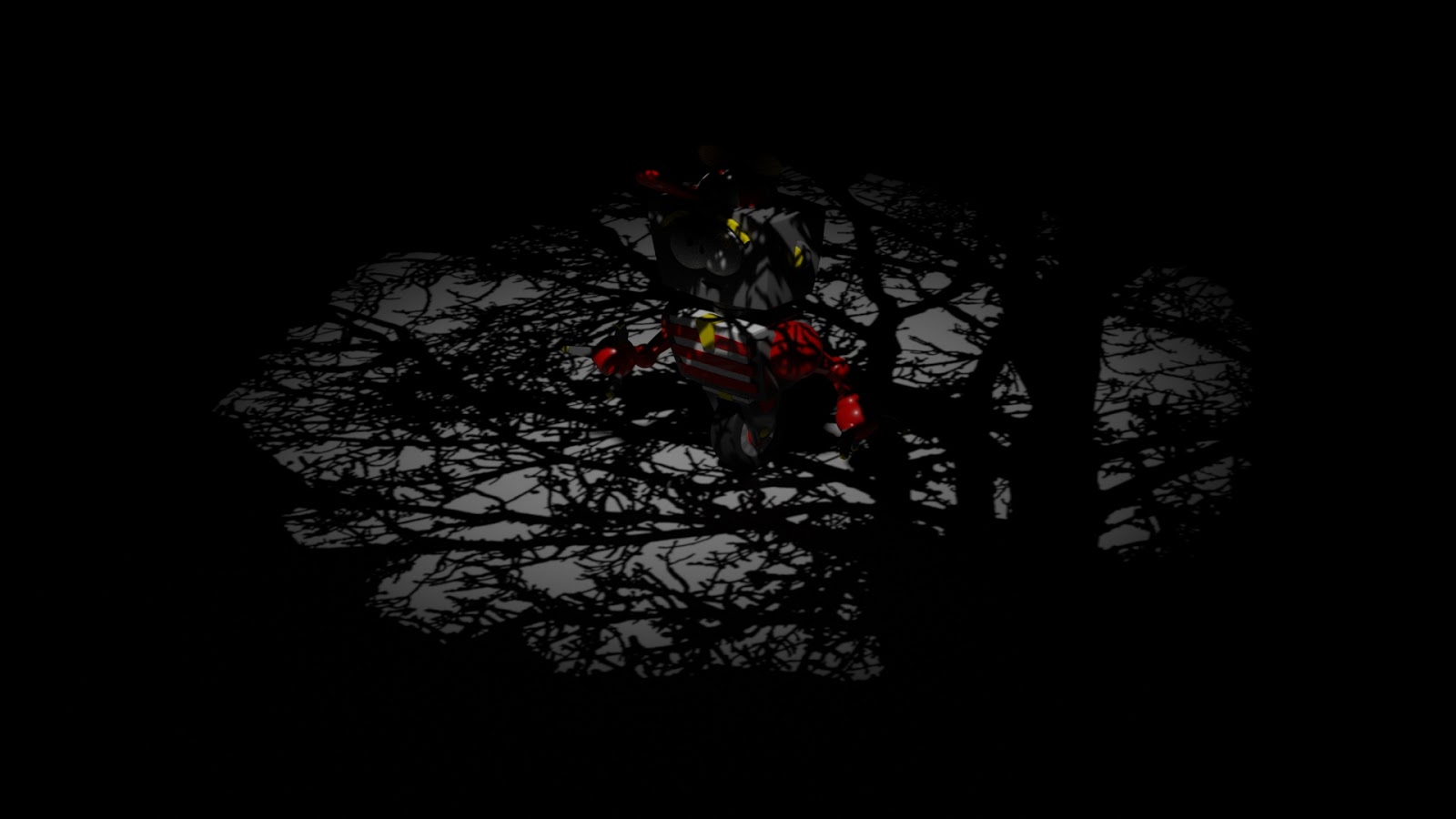
Fantastic Voyage: Test Rend... by Jasmine Masters on Scribd Slime Molds, Fruiting Body and Spore Model Test Renders and Compositing in Photoshop. Set Props. Set Plane. Set Layout: Test Playblasts. *Had to screen capture Fruiting Body motion as Maya kept crashing when more than 1 key frame was placed on the timeline.

Toolkit 1: Life Drawing. - Submission.

Toolkit 1 Submission by Jasmine Masters on Scribd Life Drawing posts, click here Reflective Statement: Coming from a drawing background I felt comfortable in this part of the toolkit project as in past projects I traditionally worked with physical medias to create my works. I had played around with digital painting before hand and have found through the drawing exercises the way I paint digitally has improved in comparison to where I was before. I have also found that my physical drawing has gotten better from observing things in person and drawing them from real life, in contrast to just copying an image off the internet. This especially in areas that consist of drawing the human form in proportion, although in some case I lost the correct proportions, I still managed to learn from that to help build mussel memory to drawing the not only the human form but other subjects as well. In addition to this, through repetitive drawing exercises it allowed me to loosen up the way I ...

Toolkit 1: Animation - Submission.

Image
Animation for posts click here. Reflective Statement: From completing the animated exercises, I found my understanding of movement within a 2D animation to be easily transferred to a 3D animation in Maya. Through this part of the project I found myself creating longer short animated clips to what I had originally played around with on paper with flip books before my time on the course. At first, I found it hard to adjust to working digitally whilst repeating the same drawing; but at a new position each time, since it was a new program for me to learn - despite how similar it is to the other adobe drawing and editing programs – however I had found it to be useful in sense that it got me to draw out the keyframes and look at how to implement emphasis and character to the short clips I created, in order to get to further grips with how amination works ‘behind the scenes’ to see what goes into creating a successful movement within an animated clip; as seen with the bouncing ball ...

Toolkit 1: Maya - Submission.

Reflective Statement: Throughout the course of completing the tutorials I have found my knowledge of the software has grown exponentially. From starting the course with not a clue on how to work a 3D modelling program to the end of the tutorials where I feel confident to say that I can now use the Maya software with all the basic skills required to take further in the course and build upon. When I first started getting to grips with the program, I found it difficult to adjust to, as prior to this the only 3D modelling experience I had was through using clay and other modeling medias. But through learning the basics of how to do that digitally I now feel more at ease when it comes to modelling objects for a scene, as shown in the complex shapes I chose for my Invisible Cities and Fantastic Voyage project that vary in variety of shapes. Knowing there is still so much to learn about the software and what it can do; I’ll look to broaden my understanding and knowledge of the software an...

Fantastic Voyage: The Life Cycle of a Slime Mold: A Slime Molders Venture - 2D Animatic (Final).

Image

Fantastic Voyage: Modelling #5 Set Plane, Set Props and Set UV's.

Fantastic Voyage: Modelling... by Jasmine Masters on Scribd

Fantastic Voyage: Finalized Script and 2D Animatic with Soundtrack.

Image
The Life Cycle of a Slime M... by Jasmine Masters on Scribd

Maya Skinning Methods: Interactive Weighting, Post Weights & Interactive Bind.

Maya Skinning Methods: Inte... by Jasmine Masters on Scribd Skinning Method 1: Interactive Weighting, Component Editor & Paint Weights. Skinning Method 2: Post Weights & Interactive Bind.

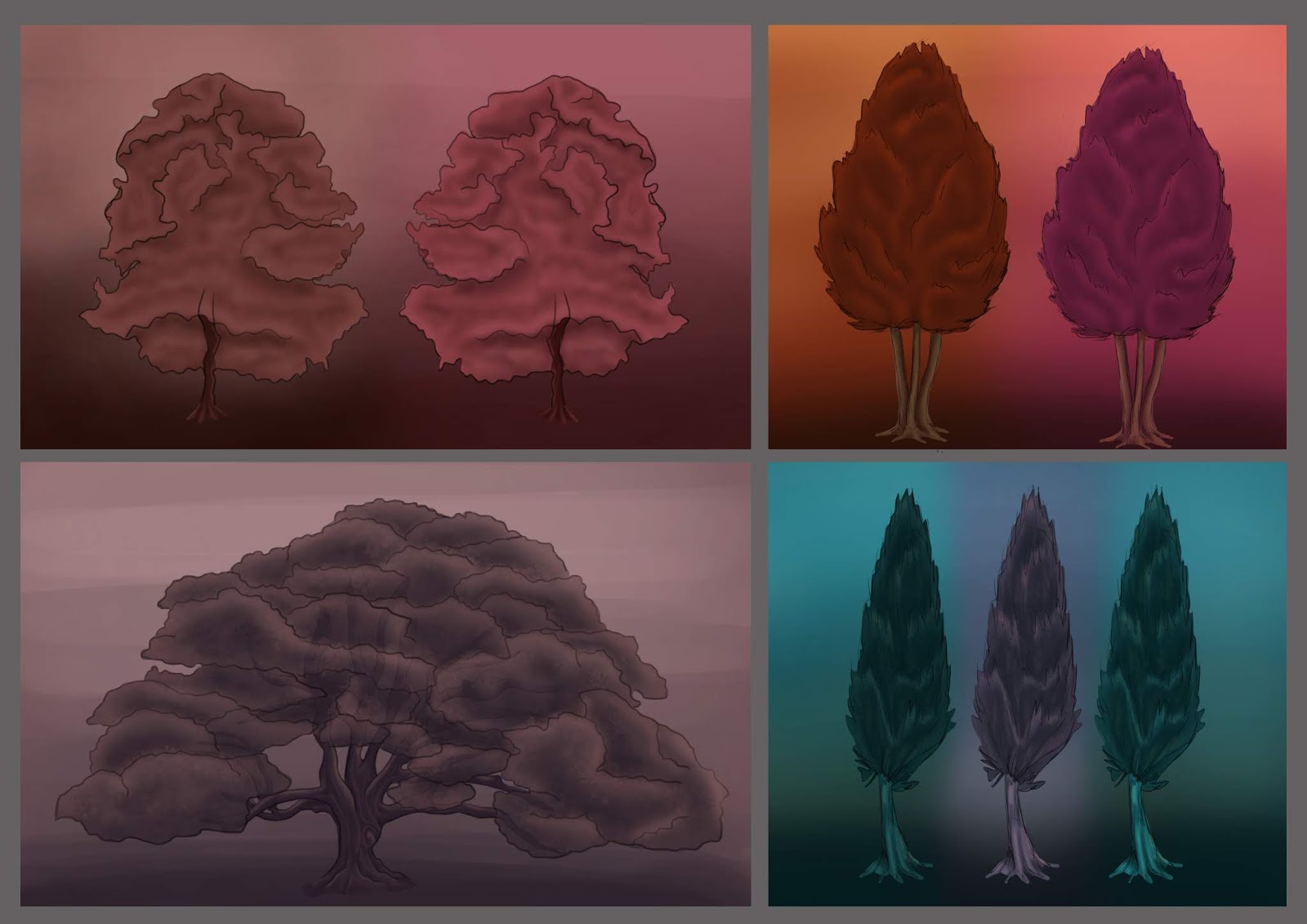
Fantastic Voyage: Modelling #4 - Tree Concepts, Models and Pipeline So Far.

Image
Tree Concepts. Fantastic Voyage Modelling #4. by Jasmine Masters on Scribd *Pipeline So Far at end of Scribd document.

Lighting & Rendering 1: Arnold Part 2

Image
Lighting & Rendering 1:... by Jasmine Masters on Scribd Maya Light Filter Outcomes: Gobo. Gobo and Mix, Gobo, Light Decay and Barn doors. Light Blocker. Stylistic Interior Lighting Outcomes: Ai Standard Surface Outcomes: Before. After. Playing with Presets.

Fantastic Voyage Modelling #3.

Fantastic Voyage Modelling #3. by Jasmine Masters on Scribd

Fantastic Voyage: Modelling #2.

Image
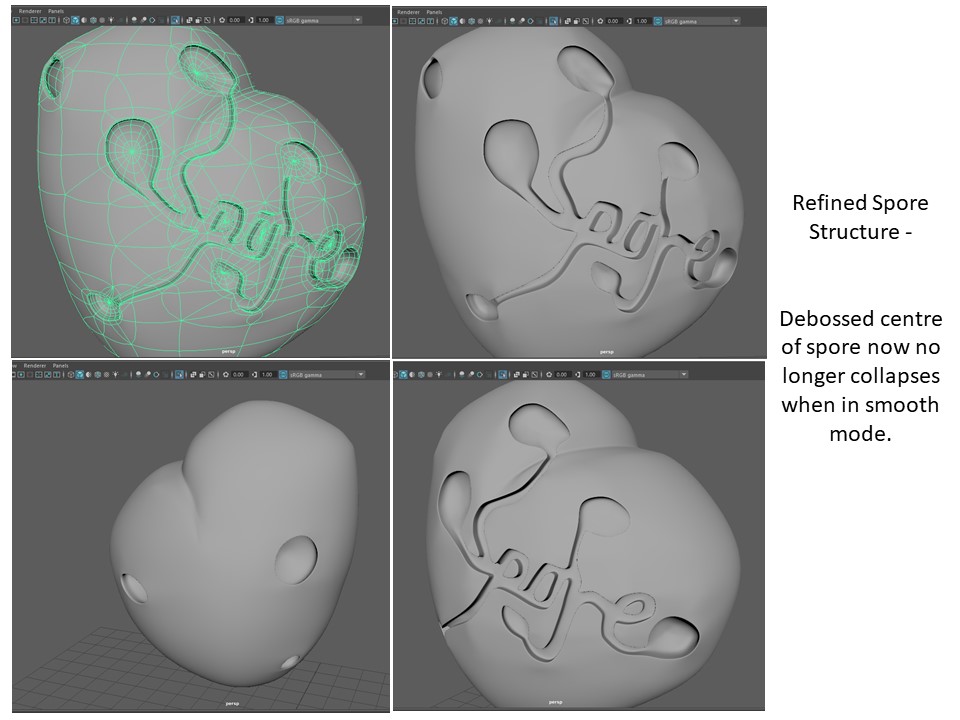
Continuing on with completing the spore model, I then moved onto laying out the UVs ready for texturing. In addition to this I will also have to consider how I am going to 'light' the spore so that it has the glow effect aesthetic am aiming for.

Fantastic Voyage Modelling #1.

Fantastic Voyage - Modellin... by Jasmine Masters on Scribd

Fantastic Voyage: Set Concepts.

Image
I started to look at some set designs to start to get to grips with what other additional pieces that need to be modeled for the Fantastic Voyage animation; as well as possible colour schemes that will enable the Slime Mold Concepts to really pop and contrast within the setting, but making sure to still contain the neon glow effect that I am aiming for. Influences. Initial Set Designs. Initial Set Designs - Colour Variants. Since I set the time of day for the animation to be around dusk (sunset), I started to look at the different types of colours and hues you would see around that time of day. Ranging from blues, yellows, oranges, reds, pinks and purples; as well as considering possible different atmosphere effects within the scene that relate to that time of day. Secondary Influences. Colour Swatches. Final Set Concepts. Experimenting with Layer Modes.

Lighting & Rendering 1: Arnold Part 1.

Image
Linear Workflow. by Jasmine Masters on Scribd Lighting & Rendering 1:... by Jasmine Masters on Scribd Lighting Outcomes: Sampling and Noise Reduction: Before. After. Ray Depth: Before. After. Maya Lights: Point Light. Directional Light. Area Light. Spotlight. Arnold Area Light.

Sketch Jam: ''Marvelous Menagerie''

Image
Task: Using a randomized generator create "Marvelous Menagerie'' through combining different animals together. Flamingo, Armadillo and a Panda. Hamster, Monkey and a Mountain Goat. Elephant, Common Loon and a Bear. Toad, Porcupine and a Lamb.

Fantastic Voyage - The Life Cycle of a Slime Mold: A Slime Molders Venture 2D Animatic (NO SOUND).

Image

Fantastic Voyage: The Life Cycle of a Slime Mold: A Slime Molders Venture Storyboard.

Image
1. 2. 3. 4. 5. 6. 7. 8. 9. 10.